
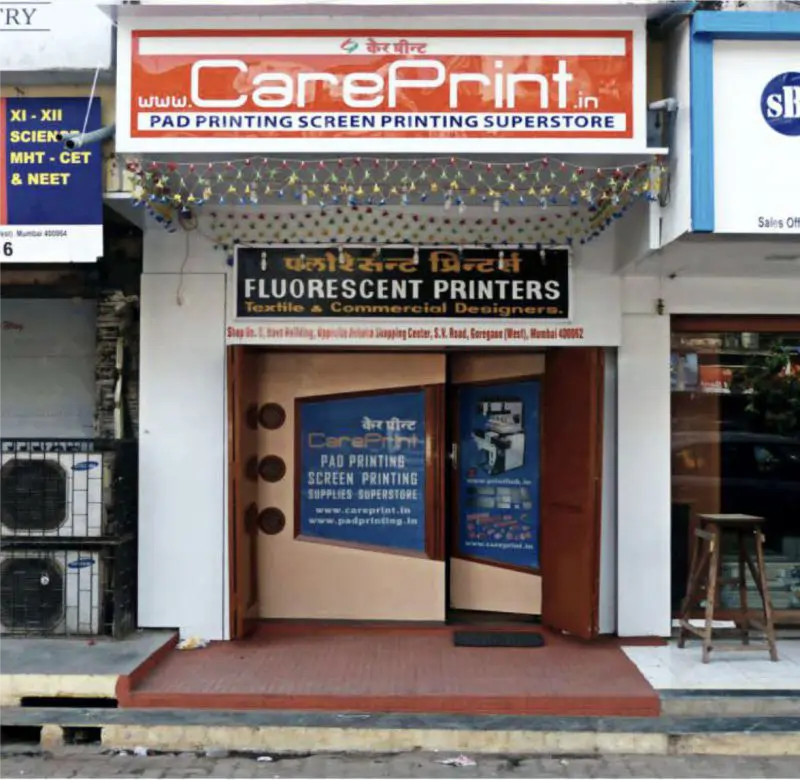
Careprint is a Pad Printing Supply Manufacturer for Pad Printing Machine from Mumbai delivering Products all over India and the only end to end provider of Pad Printing Machine Supplies including Pad Printing Plates, Pad Printing Silicone Pads or Tampons, Jig Fixtures, Doctor Blades or Ink Cups.
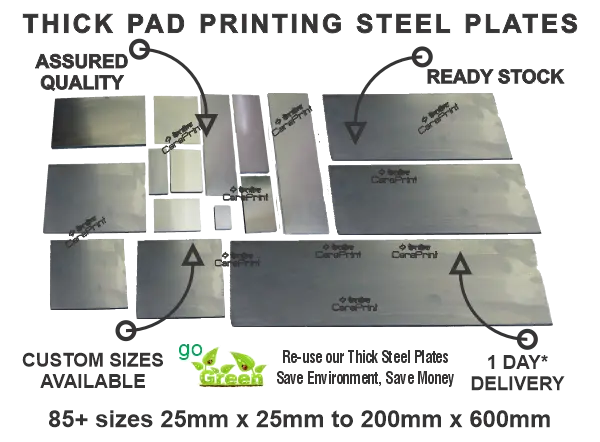
Ready to use Pad Printing Plate with finest etching and optimum depth for crisp & clear print quality.
- For Closed Cup Machines.
- For Open Ink Well Machines.
- High Grade Steel
- 85+ Variety of Sizes
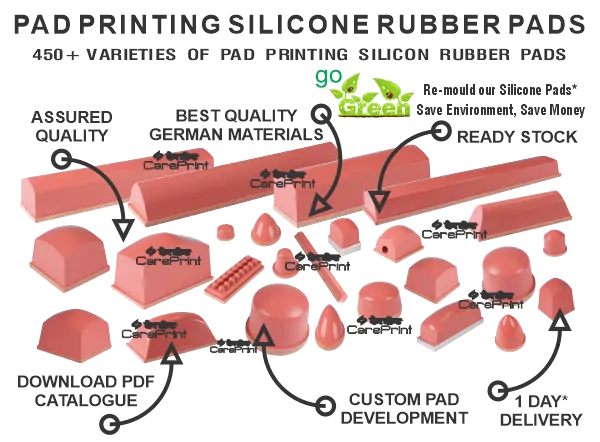
Ready to use Silicone Pad Printing Pad with optimum Shore A Hardness for crisp print quality
- German Silicone Rubber
- 600+ Different Shapes
- Custom Pad Development
- Variety of Durometer
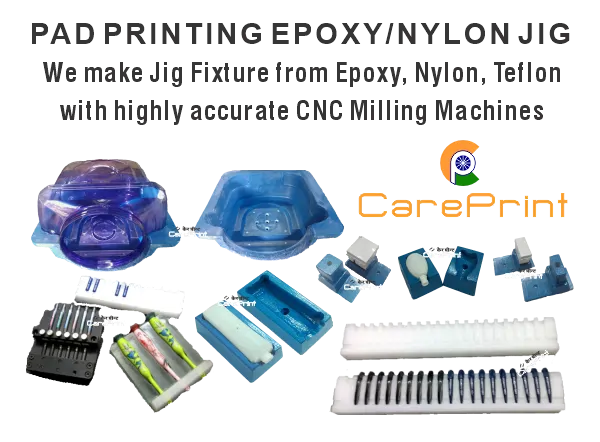
Ready to Use Pad Printing Jig Fixture with accurate dimension for smudge-free print quality
- Epoxy, Acrylic Jig Fixture
- Nylon, Teflon Jig Fixture
- Rapid Prototyping
- Long Lasting
We are committed in providing you Teaching Guides / Tutorials / Buyer’s Guide on usage & maintenance of Pad Printing Machines, Pad Printing Plates, Silicone Pad Printing Rubber Pads, Jig Fixtures, Doctor Blades, Ink Cups and Ceramic Rings.
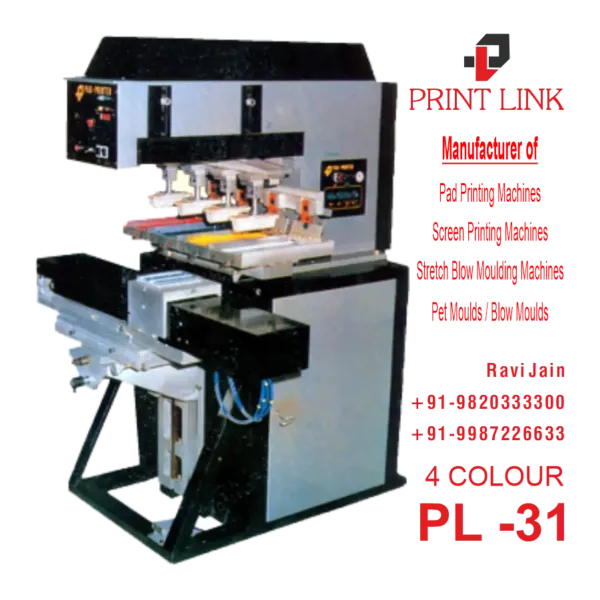
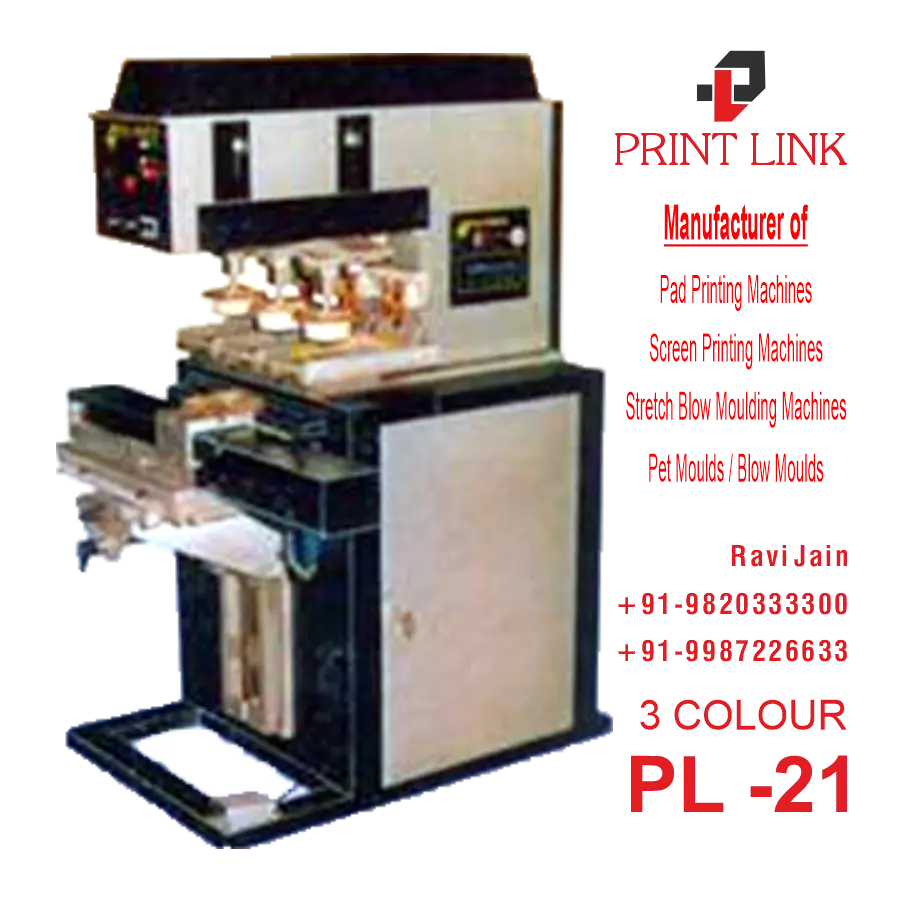
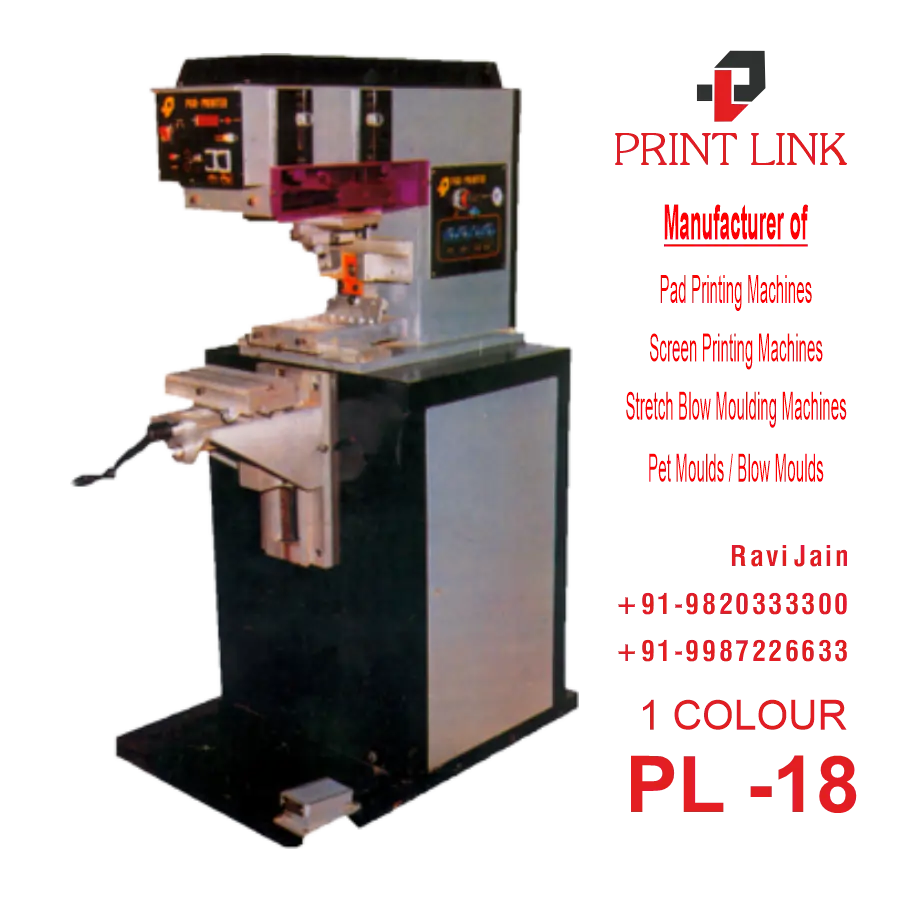
No matter what Pad Printing Issues you have, we have Solution to all of your Questions.:)
Potential Problems in Printing – Description of Problems and Proposed Solutions
| Problem | Solution |
|---|---|
| 1. Too thick. | 1. Add thinner. |
| 2. Dried out. | 2. Clean cliche with thinner. |
| 3. Wrong thinner. | 3. Use slower thinner or one suited to ink system. |
| Problem | Solution |
|---|---|
| 1. Insufficient etching depth. | 1. Produce new cliche with greater etching depth. |
| 2. Wrong screen ruling. | 2. Test new cliche with different fineness of halftone screen. |
| 3. Surface physically damaged. | 3. Use new cliche. |
| Problem | Solution |
|---|---|
| 1. Too flat. | 1. Use more tapered pad shape. |
| 2. Surface roughened. | 2. Replace pad. |
| 3. Pad swollen. | 3. Blow air on pad. |
| 4. Surface too oily | 4. Clean pad (several times) or replace. |
| Problem | Solution |
|---|---|
| Problem | Solution |
|---|---|
| 1. Too thick. | 1. Add thinner. |
| 2. Dried out. | 2. Clean cliche with thinner. |
If ink pulls on pad fibers during pickup, it is too thick and needs thinning.
Potential Problems in Printing – Description of Problems and Proposed Solutions
| Problem | Solution |
|---|---|
| 1. Dried out on pad. | 1. Use slower thinner. |
| 2. Too wet on pad,not tacky. | 2. Use faster thinner. |
| Problem | Solution |
|---|---|
| 1. Insufficient etching depth. | 1. Produce new cliche with greater etching depth. |
| 2. Etched too deeply. | 2. Produce new cliche with shal-lower etching depth. |
| 3. Wrong screen ruling. | 3. Use new cliche with different fineness of half-tone screen. |
| Problem | Solution |
|---|---|
| 1. Wrong shape pad. | 1. Use more tapered pad shape. |
| 2. Surface rough-ened. | 2. Replace pad. |
| Problem | Solution |
|---|---|
| 1. Soiled surface(grease, oil, per-spiration, mold release agents..). | 1. Pre-clean objects. |
| 2. Surface insufficiently pre-treated (polyolefins). | 2. Check pre-treat-ment, repeat as required. |
| Problem | Solution |
|---|---|
| 1. Print speed set-ting too slow. | 1. Maintain uniform cycle time. |
| 2. High ambient(room) temperature. | 2. Optimal room temperature is 18 °C – 20 °C or 65 °F – 68 °F |
ncomplete or spotty deposit of ink by pad is referred to as “splitting.” It plays a minor role in a continuously running process. The problem only arises when cycle times fluctuate or after short breaks. The pad deposits the dried ink all at one time, producing an inconsistent image. Using fast thinners will decrease ink build-up and improve ink deposition.
Potential Problems in Printing – Description of Problems and Proposed Solutions
| Problem | Solution |
|---|---|
| 1. Too thin. | 1. Reduce amount of thinner. |
| 2. Transparent ink. | 2. Use opaque color shade. |
| 3. Wrong ink system. | 3. Use pad printing ink . |
| 4. Scanty ink transfer. | 4. Locate defect in cliché or pad. |
| Problem | Solution |
|---|---|
| 1. Insufficient etching depth. | 1. Produce new cliche with greater etching depth. |
| 2. Areas not screened. | 2. Screen area. |
| 3. Areas not slanted. | 3. Slant areas. |
| 4. Wrong cliche type. | 4. Use cliche which allows screen to be etched with it. |
| 5. Wrong screen ruling. | 5. Test new cliche with different fineness of half-tone screen. |
| Problem | Solution |
|---|---|
| 1. Too flat. | 1. Use more tapered pad shape. |
| 2. Porous surface. | 2. Replace pad. |
| 3. Too soft. | 3. Use harder pad. |
| Problem | Solution |
|---|---|
| 1. Soiled surface. | 1. Clean surface with alcohol. |
| 2. Dark substrate color. | 2. Double print. |
| 3. Surface too rough. | 3. Use harder, more tapered pad. |
| 4. Stress cracks (esp. on injection molded parts). | 4. Use milder ink/thinner system or quick drying ink/thinner to avoid any dissolution of substrate. |
| Problem | Solution |
|---|---|
| 1. Soiling from greasy residues on accessories(auxiliaries). | 1. Clean cliche,doctor blade, etc.before installing. |
| 2. Doctor blade sags. | 2. Use harder or thicker doctor blade (or see cliche points 2 and 3). |
This problem very often occurs in pad printing, and cannot always be solved satisfactorily. Due to the low degree of ink transfer in pad printing, 100 % opacity cannot be achieved on many objects with only a single printing, especially in the case of dark substrates. Increased hiding power can be attained by double or triple printing or preprinting with white.
Potential Problems in Printing – Description of Problems and Proposed Solutions
| Problem | Solution |
|---|---|
| Problem | Solution |
|---|---|
| 1. Individual motifs not correctly aligned. | 1. If motifs are all on one cliche,film must be cor-rected and new cliche must be produced. |
| Problem | Solution |
|---|---|
| 1. Pads mounted off center. | 1. Readjust pad. |
| 2. Pads not same shape. | 2. Replace pads with ones of correct shape. |
| 3. Pads not of same hardness. | 3. All pads should be of same Shore hardness. |
| 4. Head stroke not same over cliche and substrate material. | 4. Adjust head stroke. |
| Problem | Solution |
|---|---|
| 1. Material is pliable. | 1. Switch to different material. |
| Problem | Solution |
|---|---|
| 1. Jig not perfect. | 1. Check for play in jig, refabricate as needed. |
| 2. Carre,adjustable, or rotary indexing table inaccurate. | 2. Check indexing. |
| 3. Mounting screws not tight. | 3. Screws not properly tightened during initial setup; they become loose during printing operation. Tighten screws. |
The simplest way to contain these deficiencies is to produce a new cliche with precisely registered film.
Our Services
No matter what Pad Printing Issues you have, we have Solution.:)
With over 200+ Customers and counting, Careprint is the most complete and trusted company for Pad Printing and Screen Printing products like Pad Printing Machine, Pad Printing Plates, Pad Printing Silicone Pads, Jig Fixtures, Screen Printing Machine, Stencils, Squeegees, Emulsion
Great benefits from Buying Our Pad Printing Machine Supplies